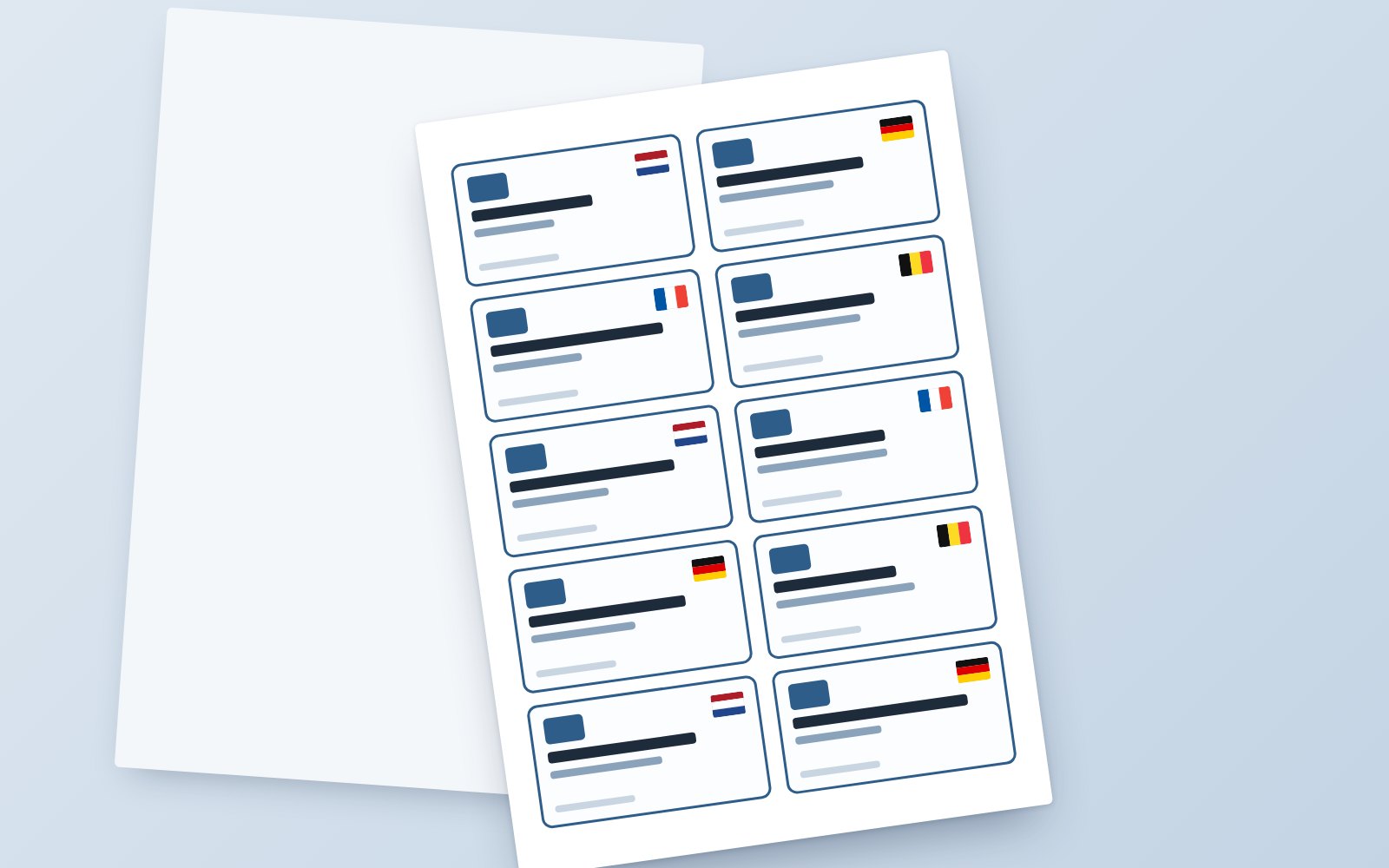
Type in names or load a CSV, and the app neatly places name, job title, logo and country flag on (HERMA 4410) labels. With a test print to calibrate the printer precisely. As a desktop app and as a web version.
A tool for printing professional name badges and visitor passes on HERMA 4410 label sheets in a few minutes: 10 labels per A4, in 2 columns of 5. It started as a Python desktop app and was later rebuilt as a web version, because the locked-down work PCs do not allow unsigned .exe files.
What it does
- Per-label input: name, job title, country, logo and tagline. Enter them by hand or all at once with a CSV import, and export them to CSV again for next time.
- Flags: pick a country and the matching flag from the
Flags/folder is placed on the label automatically. - House style: the Source Sans 3 typeface in several weights, with its own colour for every text element.
- Logos: a company logo in the top-left corner, 35 mm wide by default; the height scales along so the proportions stay intact. Plus a separate guest logo.
- Printer calibration: margins and spacing in 0.5 mm steps, so the print lands exactly on the sheet.
- Test print: a preview PDF with a dark-blue frame 1 mm outside every label. Print it on plain paper and hold it against the light next to a label sheet.
- Print and PDF: the real print without frames, straight to the printer or as a PDF.
- Presets: export and import all settings as JSON, so every label type has its own fixed setup.
Two versions
Desktop (Python)
Built with PyQt6 for the interface and ReportLab for the PDFs. With PyInstaller and a BUILD_EXE.bat it becomes a single standalone .exe that runs without Python and without admin rights, for example from a USB stick with the Flags/, Fonts/ and Logos/ folders next to it.
Web (PHP)
Because IT only allows software with a traceable certificate, there is a web version that runs on a simple internal web server. The interface is HTML, CSS and JavaScript; a small PHP backend stores settings as JSON, manages uploaded logos and reads the flags and fonts straight from folders on the server. It has a login with an admin page for adding users.
How it is used
- Set up the logo, fonts, colours and margins once and export them as a preset.
- Load the names from a CSV file or type them in.
- Make a test print on plain paper and nudge the margins if needed.
- Put the HERMA sheet in the printer and print.
Privacy
Everything stays within your own environment: the desktop version works entirely offline and the web version runs on your own server, without external services.